01 · The problem
Make the workflow clear.
Inspecting several remote Docker hosts means switching terminals and remembering each connection context. Management actions also need an unmistakable target and permission boundary.
02 · The approach
Give each part a job.
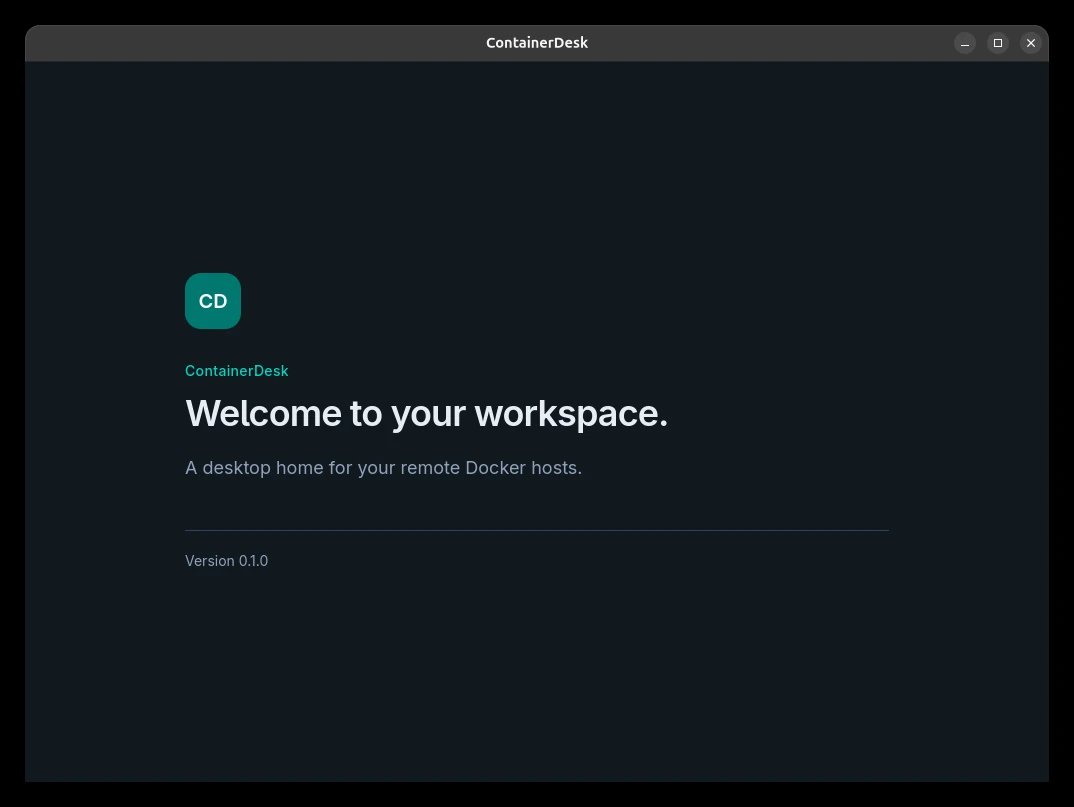
The desktop app reuses OpenSSH configuration, keys, agents, and host verification. React presents workloads and logs while the Rust backend enforces permissions. Recovered and new sessions begin with inspection access; management and terminals are granted explicitly.
- Desktop workspace
- Rust permission boundary
- Existing OpenSSH
- Linux host
- Docker Engine
03 · A practical starting point
Try the documented workflow.
ssh your-docker-host docker psFirst verify an existing SSH alias against a host you manage. Then add that alias in ContainerDesk using the repository's user guide.
04 · The result
Something you can inspect.
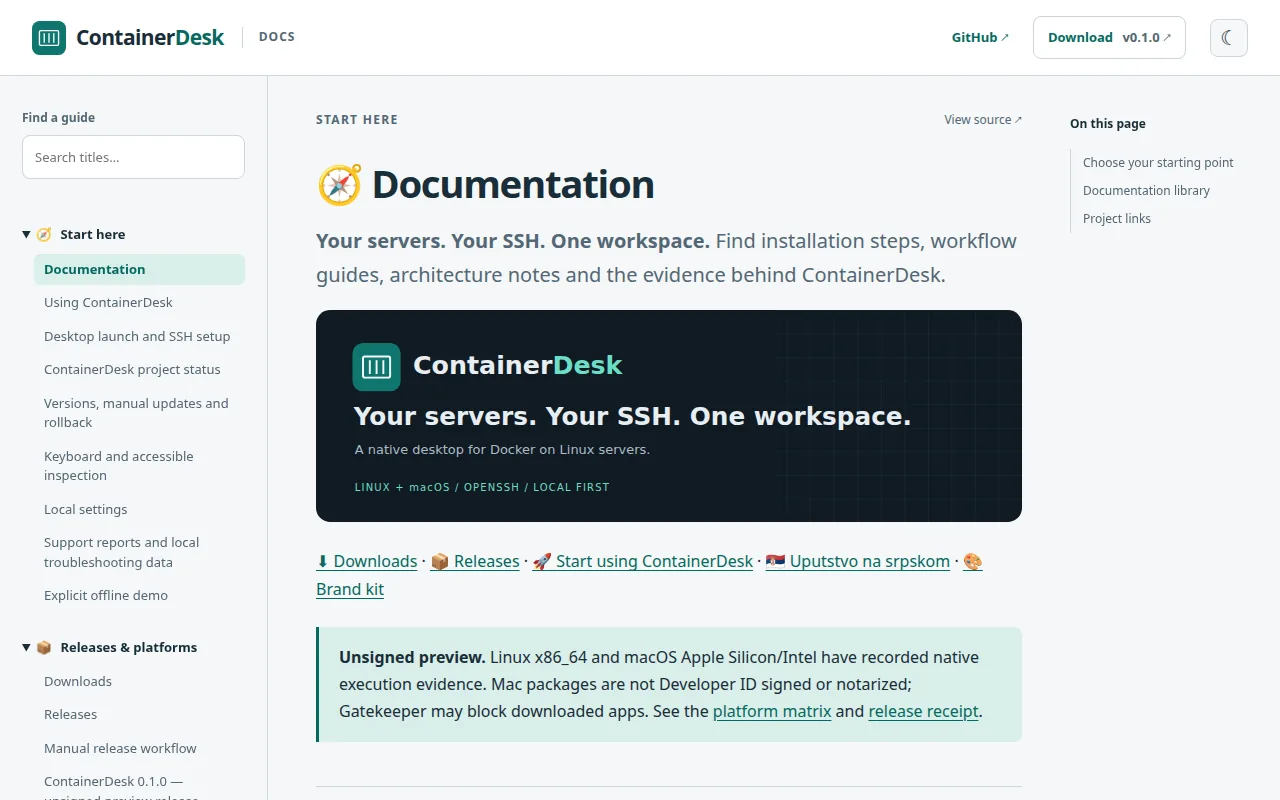
The project publishes Linux and macOS preview packages and records native verification evidence. Containers, logs, and existing Compose groups share one workspace. Images, volumes, and networks remain read-only within the documented preview scope.

Based on the repository README and its preview distribution and permission model. Source and current status ↗